Dear diary…
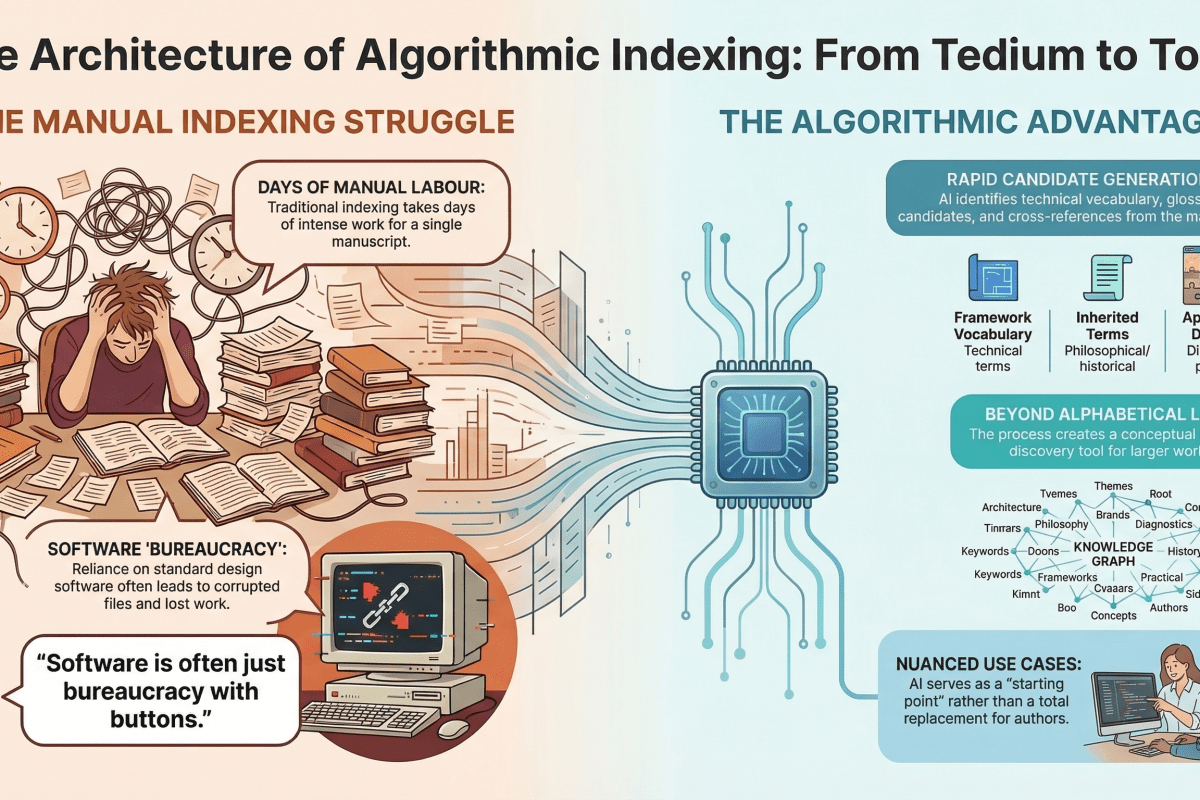
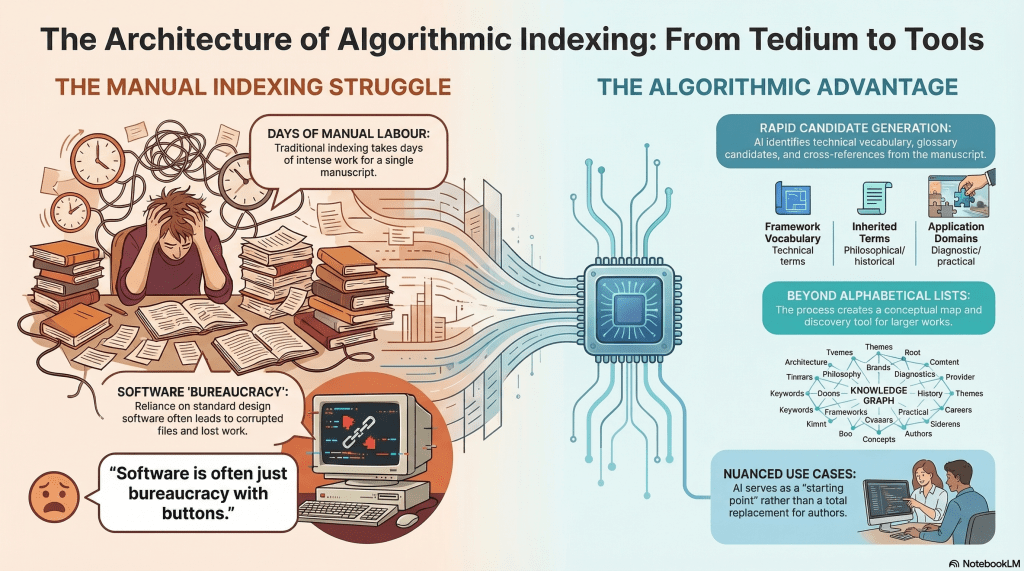
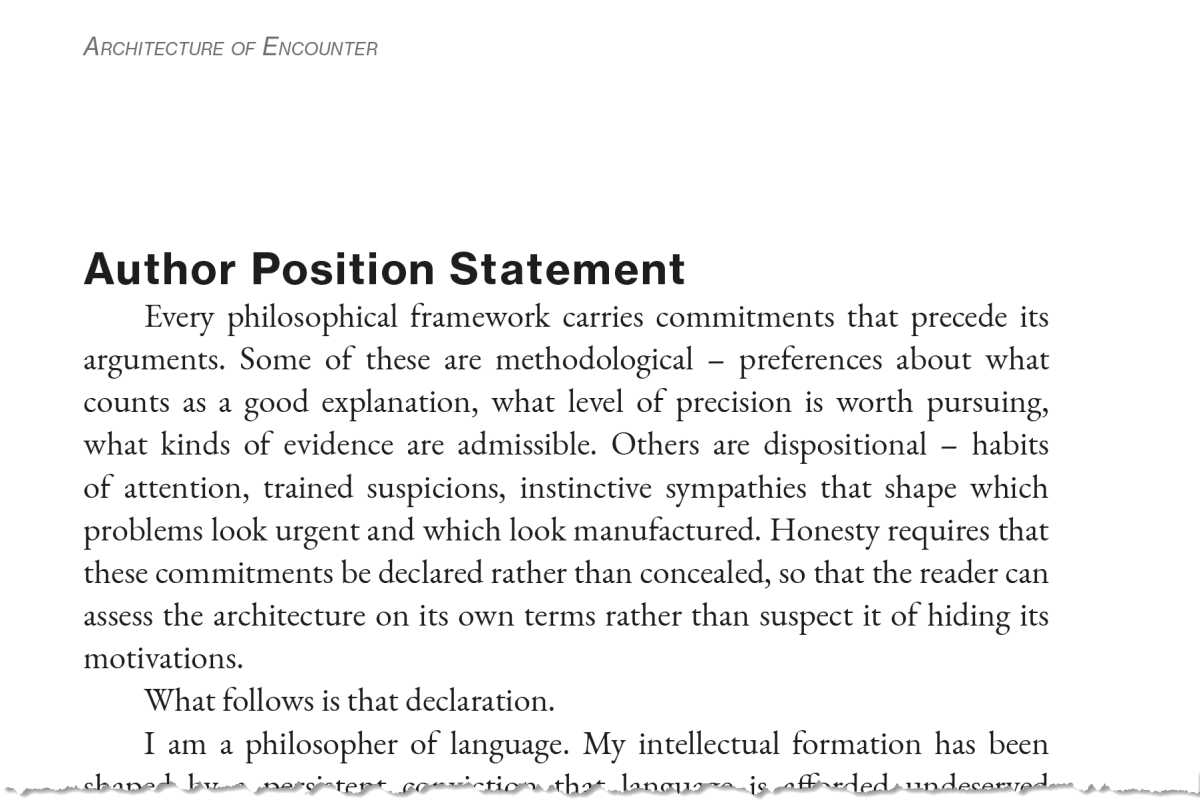
I’m not ashamed to say that AI is a significant part of my publishing workflow. In my latest project, The Architecture of Encounter, I’ve added indexing to the roles it serves. Other roles were prepping the index and footnotes, as I shared recently.
I expect the book to be available by next week. Time will tell.
I’ve included the full index below for reference. I’ve also included the title and copyright pages and other back matter.
What will a visitor do with a bookless index? I don’t know, but sharing is caring in my book. For the interested, you can get a sense of the contents. I’ll be sharing more details over the coming weeks – and beyond, I’m sure.
Earlier, I shared that Claude had offered index candidates. I started executing on that list by indexing the first few terms. It took me about an hour to do these, searching for each term and documenting the page number and context – around 250 pages. The book itself is 292 – 6″ x 9″ pages, but more than 50 of these are appendices, and others are front matter. Still.
Then it dawned on me to ask Claude to help me with the index. Claude interpreted ‘help’ by spitting out the entire index, formatted and organised. If the book were formatted in 8½” x 11″ Letter size, I could have appended it as-is, but I still had to pour the output into the InDesign template I was composing through and make it look like it was part of the same manuscript, but that took minutes, not days of hours. Appendix E.
Given that I also rely heavily on novel concepts and specifically-defined terms – language insufficiency notwithstanding – I felt that a glossary would be useful. I tasked Claude with this, too. Again, it output a fully-formed list.
I noticed that a couple of terms I wanted defined were absent, so I fed the list into ChatGPT and asked it to consider these and let me know, given the manuscript, what other terms might be absent. It agreed with the two I wanted and suggested three more. It also pointed out an error Claude had made in counting. It also provided the definitions for the glossary entries, so I poured Claude’s output into InDesign. Appendix D.
AI is also a helper. For example, I wanted my index to flow into 2 columns. I’ve done this before. In the old days, I’d have scanned the menus (Adobe products are infamous for convoluted, nested menus), read the manual, and/or Googled for the answer – perhaps queried YouTube, a great resource for such things. Now, I ask AI. In this case, I asked ChatGPT. To be honest, it’s a little verbose, where ‘it’s option X under Y menu’ would suffice, but I ignore the banter.
If you need to know…
If the index is already placed in a text frame
- Select the text frame containing the index.
- Go to Object → Text Frame Options.
- Set the Number of Columns you want, usually 2 for a 6×9 book, sometimes 3 if the type is small and the entries are short.
- Adjust the Gutter spacing between columns.
- Click OK.
Criticise AI all you want, but having access to in-built assistance 24/7 is a huge time-saving benefit.
Do I still use Google and YouTube? Yes, often.
Speaking of Google, I was searching for a cover image, and I discovered something I need for the fiction title I paused in September to focus on nonfiction. Sidenotes. Perhaps I’ll employ a similar mechanism.
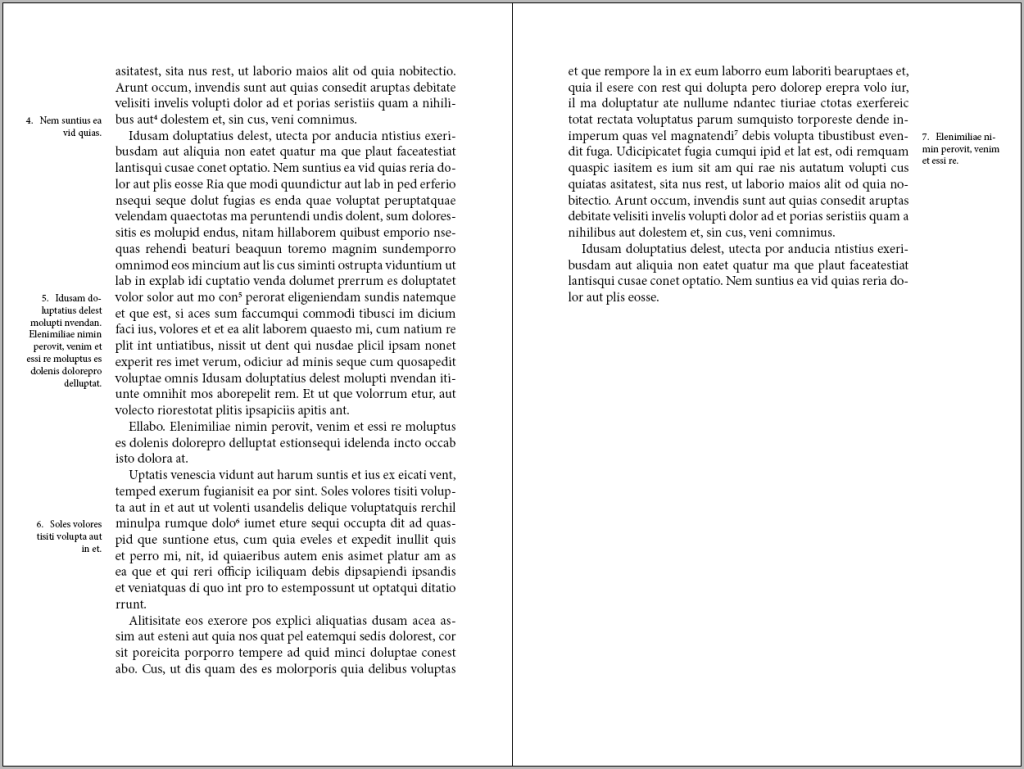
The nonfiction book I am writing is somewhat epistolary, and I want to place internal dialogue as marginalia, employing a scripted font face. I am even considering a ‘deluxe’ version that renders this content in colour, but that’s an extra expense, first for the colour, then the full-page bleed, and perhaps thicker paper stock. Likely hardbound, reserving the paperback for a lower price point.
So, what’s next?
I finished both paperback and hardcover designs today.
I still need to review the index for hallucinated errors. This will still take less time than manually constructing it.
On the copyright page, there are a few classifiers. There are ISBNs for each format and a Library of Congress Control Number (LCCN). These are done, as you can see, but the ISBN system in the United States is antiquated. It looks like it’s a museum piece from the mid-1990s. In fact, I believe I first accessed it around 2000 or 2001, when I published my first book – before AI, before print on demand (POD).
A bit of nostalgia. The WWW, the internet as most people know it, was made public around 1994. Google hit it in 1998. Web 1.0. Facebook blighted the world around 2004, though less invasively at the start. I digress. Technology is a mixed bag.
Returning to ISBNs… These are managed in a system built circa 1997. It seems it is still managed with a host of cron jobs, so not much is processed in real time unless it’s a trivial record entry.
Each ISBN references a title and a format, as well as other odds and ends. In my case, I also use an imprint to separate my fiction from nonfiction. I started Microglyphics – tiny writing– in the mid-90s. When I published other authors, I used this name. I also used it for some of my fiction writing. I decided to create a Philosophics Press imprint for my philosophy and adjacent work.
It turns out that the printer needs to ensure that a book’s title and ISBN match the imprint. The system default is the company name, but I changed it to my imprint. This causes a workflow event on their end. Until it propagates, it doesn’t match, and the printer won’t allow the print run.
I’m writing this blog entry as I wait. I’m not sure if it’s automated – I’d like to assume it is – or if a human has to do something. AI might help. Just saying.
EDIT: The imprint has now been updated to Philosophics Press, but it still doesn’t work at the printer. Evidently, it can take up to 5 days for the data to propagate. I’m not sure who owns the fail on this one? Is the printer waiting for a data push? Can’t they pull the data? They seem to be live from my perspective. Is there an API, or is it truly old-school?
Whilst I’m here wittering on, WordPress have deprecated the little widget below – the one with my (old) thumbnail picture and ‘written by’ tag. I adopted it last year, but it’s been killed off. I’ve been copying the object from old posts, but I’ll probably switch to whatever they’ve replaced it with. I wasn’t keen on the options I’ve seen so far. First-world problems, I suppose.