Architecture of Encounter – Indexing with Claude AI

5–7 minutes

Dear diary…

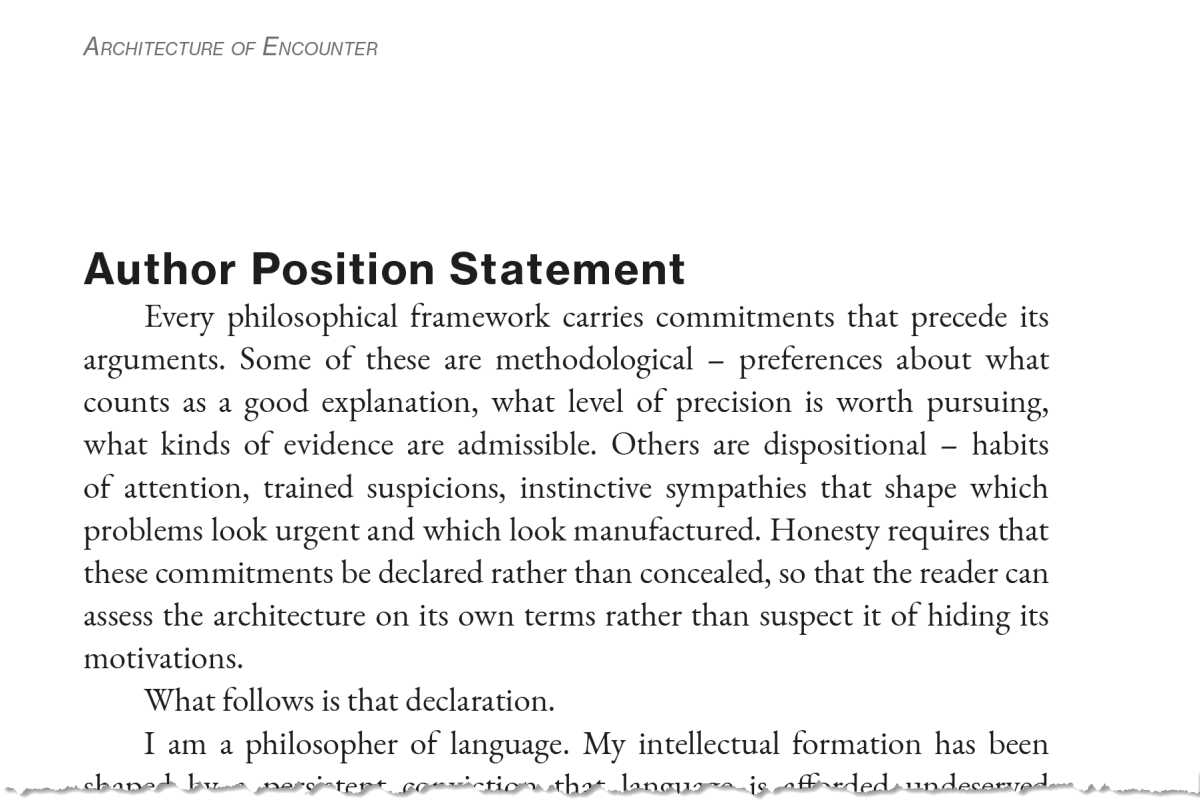
I’m not ashamed to say that AI is a significant part of my publishing workflow. In my latest project, The Architecture of Encounter, I’ve added indexing to the roles it serves. Other roles were prepping the index and footnotes, as I shared recently.

I expect the book to be available by next week. Time will tell.

I’ve included the full index below for reference. I’ve also included the title and copyright pages and other back matter.

What will a visitor do with a bookless index? I don’t know, but sharing is caring in my book. For the interested, you can get a sense of the contents. I’ll be sharing more details over the coming weeks – and beyond, I’m sure.

Earlier, I shared that Claude had offered index candidates. I started executing on that list by indexing the first few terms. It took me about an hour to do these, searching for each term and documenting the page number and context – around 250 pages. The book itself is 292 – 6″ x 9″ pages, but more than 50 of these are appendices, and others are front matter. Still.

Audio: NotebookLM summary podcast of this topic. (Another one that misses some points but make others. Fair enough.)

Then it dawned on me to ask Claude to help me with the index. Claude interpreted ‘help’ by spitting out the entire index, formatted and organised. If the book were formatted in 8½” x 11″ Letter size, I could have appended it as-is, but I still had to pour the output into the InDesign template I was composing through and make it look like it was part of the same manuscript, but that took minutes, not days of hours. Appendix E.

Given that I also rely heavily on novel concepts and specifically-defined terms – language insufficiency notwithstanding – I felt that a glossary would be useful. I tasked Claude with this, too. Again, it output a fully-formed list.

I noticed that a couple of terms I wanted defined were absent, so I fed the list into ChatGPT and asked it to consider these and let me know, given the manuscript, what other terms might be absent. It agreed with the two I wanted and suggested three more. It also pointed out an error Claude had made in counting. It also provided the definitions for the glossary entries, so I poured Claude’s output into InDesign. Appendix D.

AI is also a helper. For example, I wanted my index to flow into 2 columns. I’ve done this before. In the old days, I’d have scanned the menus (Adobe products are infamous for convoluted, nested menus), read the manual, and/or Googled for the answer – perhaps queried YouTube, a great resource for such things. Now, I ask AI. In this case, I asked ChatGPT. To be honest, it’s a little verbose, where ‘it’s option X under Y menu’ would suffice, but I ignore the banter.

If you need to know…

If the index is already placed in a text frame

  1. Select the text frame containing the index.
  2. Go to Object → Text Frame Options.
  3. Set the Number of Columns you want, usually 2 for a 6×9 book, sometimes 3 if the type is small and the entries are short.
  4. Adjust the Gutter spacing between columns.
  5. Click OK.

Criticise AI all you want, but having access to in-built assistance 24/7 is a huge time-saving benefit.

Do I still use Google and YouTube? Yes, often.

Speaking of Google, I was searching for a cover image, and I discovered something I need for the fiction title I paused in September to focus on nonfiction. Sidenotes. Perhaps I’ll employ a similar mechanism.
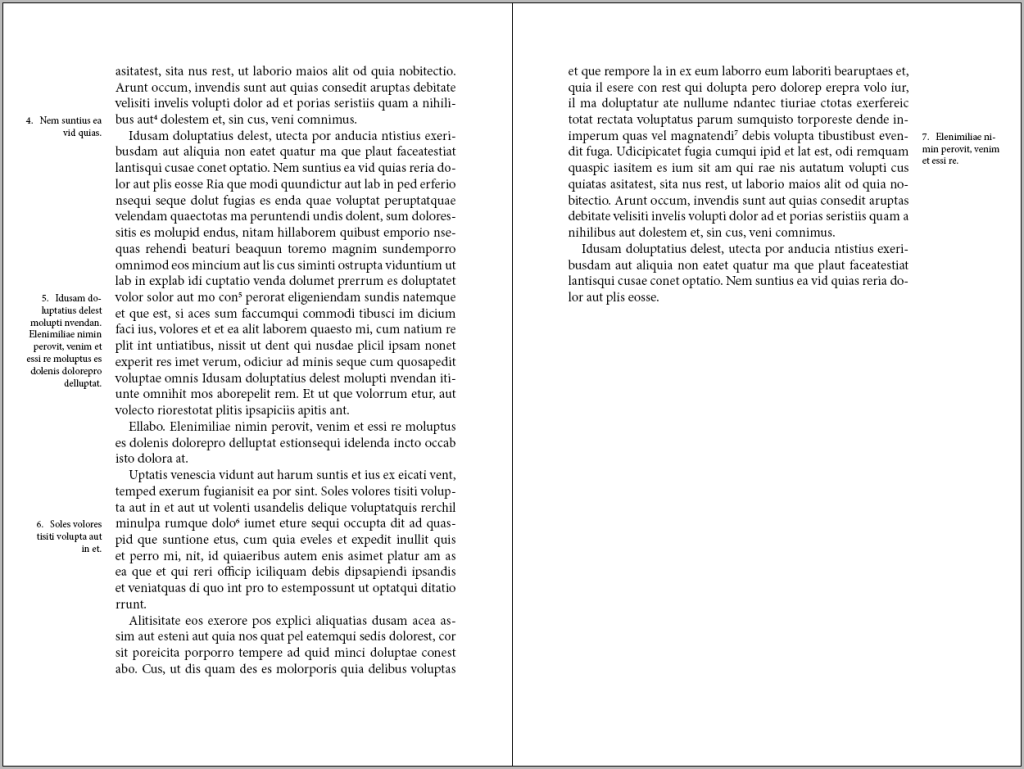
The nonfiction book I am writing is somewhat epistolary, and I want to place internal dialogue as marginalia, employing a scripted font face. I am even considering a ‘deluxe’ version that renders this content in colour, but that’s an extra expense, first for the colour, then the full-page bleed, and perhaps thicker paper stock. Likely hardbound, reserving the paperback for a lower price point.

So, what’s next?

I finished both paperback and hardcover designs today.

I still need to review the index for hallucinated errors. This will still take less time than manually constructing it.

On the copyright page, there are a few classifiers. There are ISBNs for each format and a Library of Congress Control Number (LCCN). These are done, as you can see, but the ISBN system in the United States is antiquated. It looks like it’s a museum piece from the mid-1990s. In fact, I believe I first accessed it around 2000 or 2001, when I published my first book – before AI, before print on demand (POD).

A bit of nostalgia. The WWW, the internet as most people know it, was made public around 1994. Google hit it in 1998. Web 1.0. Facebook blighted the world around 2004, though less invasively at the start. I digress. Technology is a mixed bag.

Returning to ISBNs… These are managed in a system built circa 1997. It seems it is still managed with a host of cron jobs, so not much is processed in real time unless it’s a trivial record entry.

Each ISBN references a title and a format, as well as other odds and ends. In my case, I also use an imprint to separate my fiction from nonfiction. I started Microglyphics – tiny writing– in the mid-90s. When I published other authors, I used this name. I also used it for some of my fiction writing. I decided to create a Philosophics Press imprint for my philosophy and adjacent work.

It turns out that the printer needs to ensure that a book’s title and ISBN match the imprint. The system default is the company name, but I changed it to my imprint. This causes a workflow event on their end. Until it propagates, it doesn’t match, and the printer won’t allow the print run.

I’m writing this blog entry as I wait. I’m not sure if it’s automated – I’d like to assume it is – or if a human has to do something. AI might help. Just saying.

EDIT: The imprint has now been updated to Philosophics Press, but it still doesn’t work at the printer. Evidently, it can take up to 5 days for the data to propagate. I’m not sure who owns the fail on this one? Is the printer waiting for a data push? Can’t they pull the data? They seem to be live from my perspective. Is there an API, or is it truly old-school?


Whilst I’m here wittering on, WordPress have deprecated the little widget below – the one with my (old) thumbnail picture and ‘written by’ tag. I adopted it last year, but it’s been killed off. I’ve been copying the object from old posts, but I’ll probably switch to whatever they’ve replaced it with. I wasn’t keen on the options I’ve seen so far. First-world problems, I suppose.

Indexing the Architecture of Encounter

2–3 minutes

Let’s begin with a confession: I loathe indexing.

It takes me days to index one of my books. Longer when the technology decides to become sentient in the worst possible way, such as the time InDesign corrupted the index file and swallowed days of work whole. A charming little reminder that software is often just bureaucracy with buttons.

Audio: Not the best NotebookLM summary podcast, but it’s mercifully under 5 minutes.

Today, while chatting with Claude (Opus 4.6), I mentioned that I should probably create an index for my current project. The manuscript is not fully reviewed and revised, but it is getting close. At this stage, I do not expect to add much of substance. I am more likely to subtract than expand.

Claude asked whether I wanted help generating a list of candidate terms from the manuscript.

Dois-je rédiger une liste de termes candidats à partir du manuscrit ?

I said yes, and it produced an embedded PDF: Index Term List – Architecture of Encounter. On first scan, it looks remarkably close to what I need. It is not merely a term list, either. It also proposes candidates for glossary entries, which is useful, even if I am not yet convinced I want to add a glossary. The book is already sitting at around 256 pages, and print production costs do not exactly reward philosophical generosity. The draft organises terms into five sections, including framework-specific technical vocabulary, inherited philosophical terms, proper names, traditions and programmes, and application domains and diagnostics. It also marks some entries as glossary candidates and notes likely cross-references.

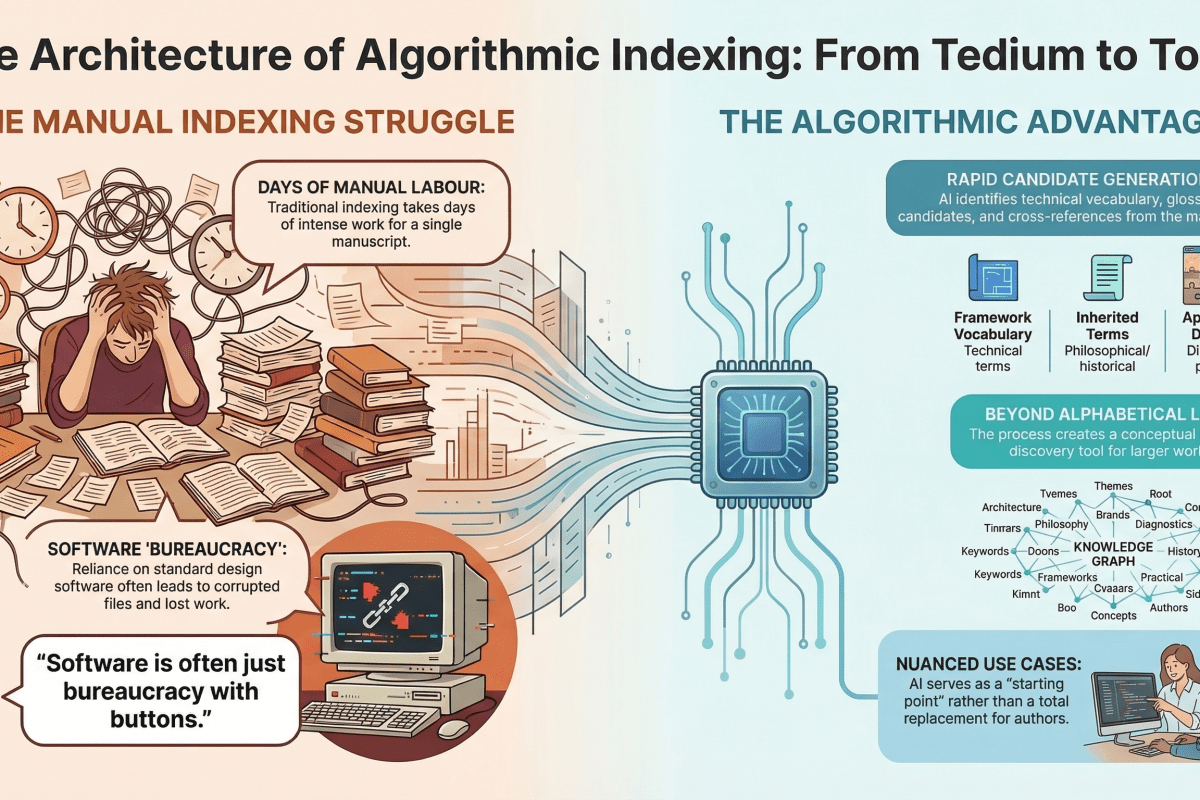
NotebookLM Infographic on this topic.

One amusing detail is that some of the suggested references relate to epigraphs. I had not really considered indexing those. My inclination is still not to include them, but I admit the temptation is there.

The categorisation itself is also interesting. It makes a good deal of sense as a conceptual map or discovery tool, especially for a larger work. But it does not quite align with what most readers expect from an index, which is, bluntly, alphabetical and easy to raid.

Still, as a starting point, this is rather better than staring into the manuscript and pretending I enjoy this sort of thing.

Some people like to badmouth or trash-talk AI. I’m here to say that these people need to discover nuance and use cases.

’nuff said. What do you think? 🧐

The Indexing Abyss: A Cautionary Tale in Eight Chapters

There, I said it.

I’m almost finished with A Language Insufficiency Hypothesis, the book I’ve been labouring over for what feels like the gestation period of a particularly reluctant elephant. To be clear: the manuscript is done. Written. Edited. Blessed. But there remains one final circle of publishing hell—the index.

Now, if you’re wondering how motivated I am to return to indexing, consider this: I’m writing this blog post instead. If that doesn’t scream avoidance with an airhorn, nothing will.

Audio: NotebookLM podcast on this topic.

I began indexing over a month ago. I made it through two chapters of eight, then promptly wandered off to write a couple of novellas. As you do. One started as a short story—famous last words—and evolved into a novella. The muse struck again. Another “short story” appeared, and like an unattended sourdough starter, it fermented into a 15,000-word novelette. Apparently, I write short stories the way Americans pour wine: unintentionally generous.

With several unpublished manuscripts loitering on my hard drive like unemployed theatre majors, I figured it was time to release one into the wild. So I did. I published the novelette to Kindle, and just today, the paperback proof landed in my postbox like a smug little trophy.

And then, because I’m an unrepentant completionist (or a masochist—jury’s out), I thought: why not release the novella too? I’ve been told novellas and novelettes are unpopular due to “perceived value.” Apparently, people would rather buy a pound of gristle than 200 grams of sirloin. And yet, in the same breath, they claim no one has time for long books anymore. Perhaps these are different tribes of illiterates. I suppose we’ll find out.

Let’s talk logistics. Writing a book is only the beginning—and frankly, it’s the easy part. Fingers to keyboard, ideas to page. Done. I use Word, like most tragically conventional authors. Planning? Minimal. These were short stories, remember? That was the plan.

Next comes layout. Enter Adobe InDesign—because once you’ve seen what Word does to complex layouts, you never go back. Export to PDF, pray to the typographic gods, and move on.

Then there’s the cover. I lean on Illustrator and Photoshop. Photoshop is familiar, like a worn-in shoe; Illustrator is the smug cousin who turns up late but saves the day with scalable vectors. This time, I used Illustrator for the cover—lesson learnt from past pixelation traumas. Hardback to paperback conversion? A breeze when your artwork isn’t made of crayon scribbles and hope.

Covers, in case you’ve never assembled one, are ridiculous. Front. Back. Spine. Optional dust jacket if you’re feeling fancy (I wasn’t). You need titles, subtitles, your name in a legible font, and let’s not forget the barcode, which you will place correctly on the first attempt exactly never.

Unlike my first novel, where I enlisted someone with a proper design eye to handle the cover text, this time I went full minimalist. Think Scandinavian furniture catalogue meets existential despair. Classy.

Once the cover and interior are done, it’s time to wrestle with the publishing platforms. Everything is automated these days—provided you follow their arcane formatting commandments, avoid forbidden fonts, and offer up your soul. Submitting each book takes about an hour, not including the time lost choosing a price that balances “undervalued labour” and “won’t scare away cheapskates.”

Want a Kindle version? That’s another workflow entirely, full of tortured formatting, broken line breaks, and wondering why your chapter headings are now in Wingdings. Audiobooks? That’s a whole other circus, with its own animals and ringmasters. Honestly, it’s no wonder authors hire publishers. Or develop drinking problems.

But I’m stubborn. Which brings us full circle.

I’ve now got two books heading for daylight, a few more waiting in the wings, and one bloody non-fiction beast that won’t see release until I finish the damn index. No pseudonym this time. No hiding. Just me, owning my sins and hoping the final product lands somewhere between “insightful” and “mercifully short.”

So yes, life may well be a journey. But indexing is the bit where the satnav breaks, the road floods, and the boot falls off the car. Give me the destination any day. The journey can fuck right off.